Brand24 is a social listening tool that helps businesses monitor and analyze conversations about their brand, products, and competitors across various social media platforms, news, blogs, videos, forums, podcasts, reviews, and more. It uses AI-powered algorithms to provide real-time access to mentions and insights, which can help businesses protect their brand reputation and identify new opportunities for growth 1. Brand24 is used by over 4000 brands of all sizes.
How to connect Brand24 account to Facebook and Instagram.
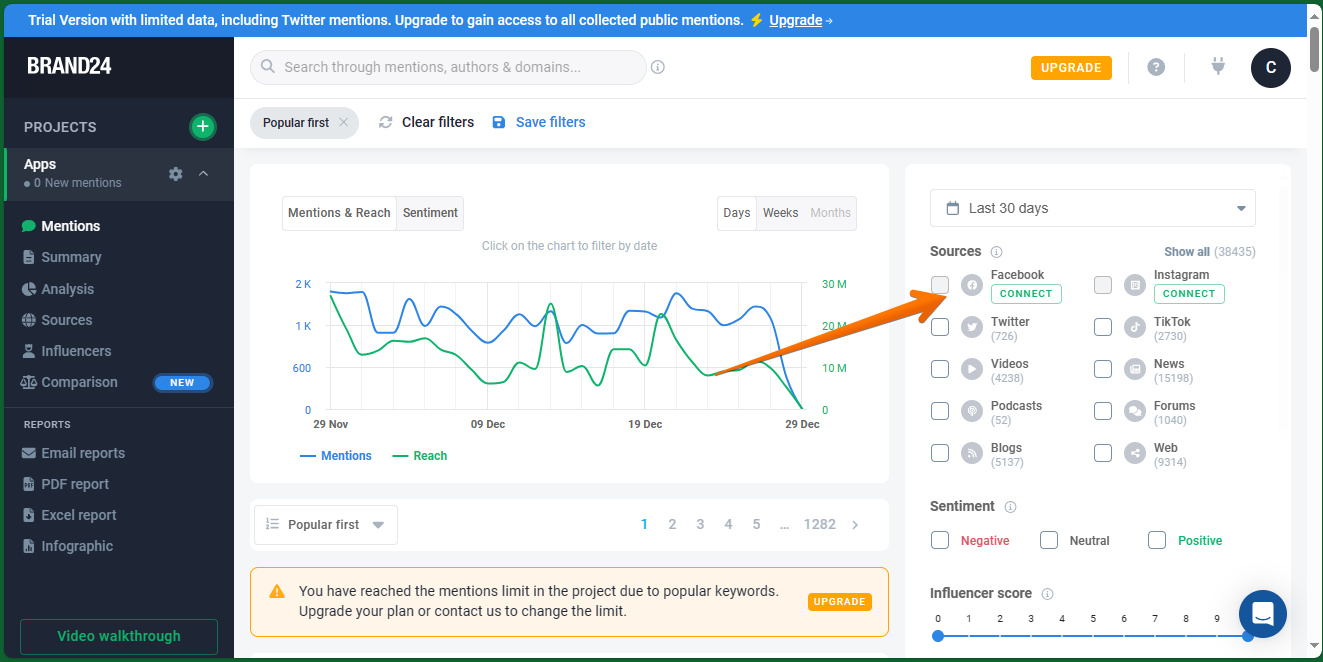
It is well known that Brand24 is a tool designed to monitor social networks. Indeed, it can do this job with the most used social networks today. Therefore, an essential step in order to get the best out of it is by connecting with social networks. In this opportunity, we will learn how to effectively connect Facebook and Instagram accounts. The first thing we have to do is to go to the tool's control panel. Once there, we will locate the Sources menu. As you can see, there are several options. However, the one we are interested in is Facebook, which is also accompanied by the word Connect.
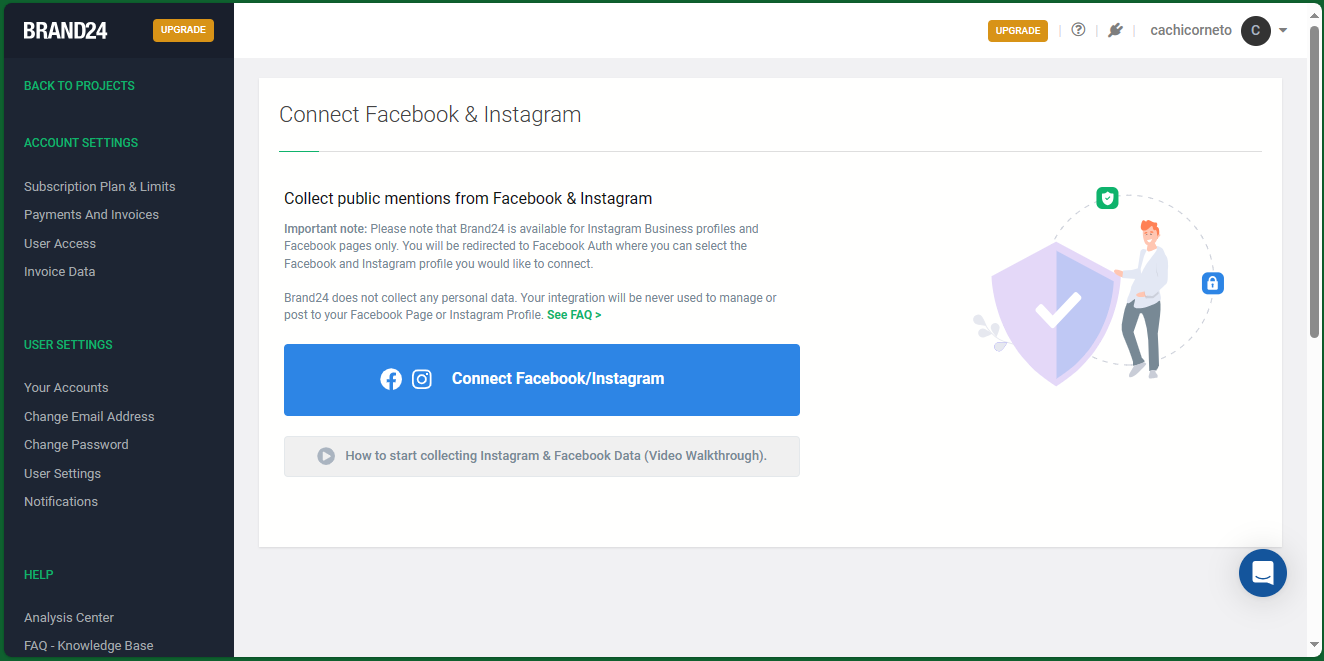
Next, a new window will be displayed to start the joining process. Please note that you will only be able to connect Facebook pages and Instagram Business accounts. Therefore, personal accounts are excluded from this possibility. Well, once in the window mentioned above, just click on Connect Facebook/Instagram.
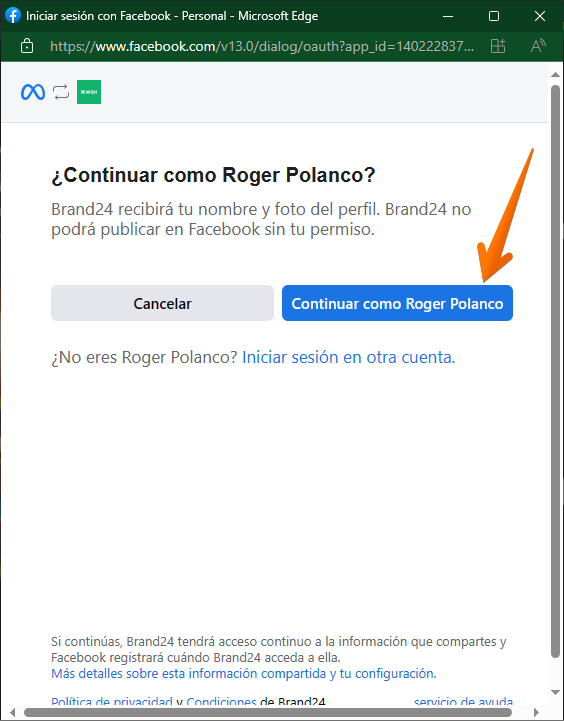
A new floating window will immediately open with your Facebook credentials available. Consequently, what you have to do is to grant Brand24 access permission.
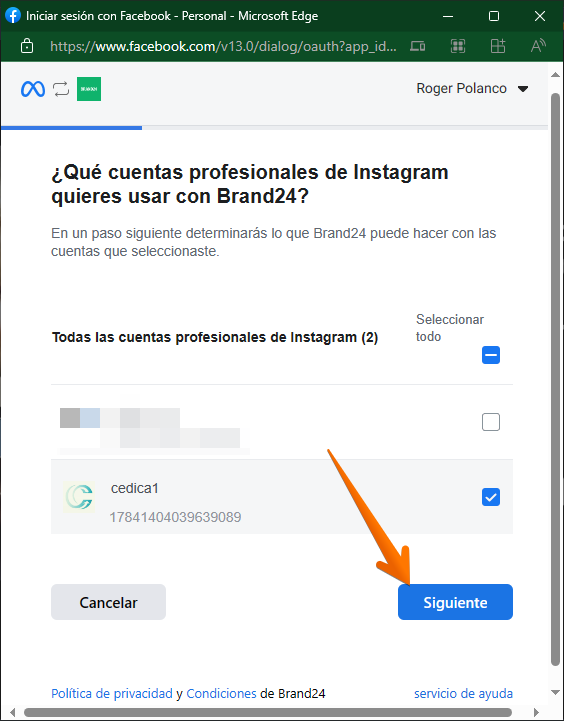
In the next window, you just need to grant access to the Instagram business account(s) to which you have access.
In the next window, you just have to repeat the process, but this time you will have to manage the access to the business pages you want to manage.

Next, it is time to grant the necessary permissions to the tool so that it works in a correct way. It is possible to customize the permissions. However, it is highly recommended to grant all permissions to get the best out of Brand24.

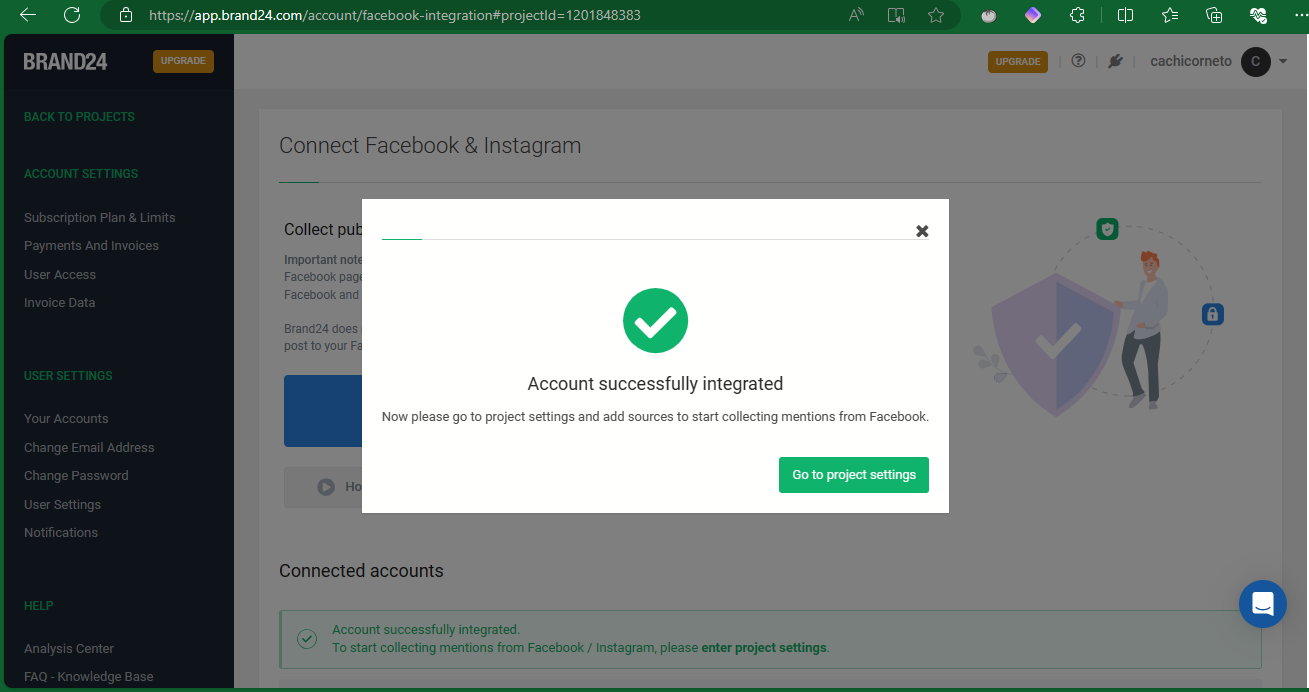
Finally, you are ready to start using Brand24 linked to your account.