The Rock. messaging app is an all-in-one project management solution that allows teams to collaborate on tasks, messaging, notes, file storage, and meetings all in one place. It offers many features such as chat, task management, notes, file storage, and integration with other apps. The app is designed to enable teams to communicate and collaborate effectively while keeping data privacy in every conversation. In addition, users have the option of disabling certain types of storage to ensure privacy.
How to get the most out of the mini file app by integrating it with Google Drive.
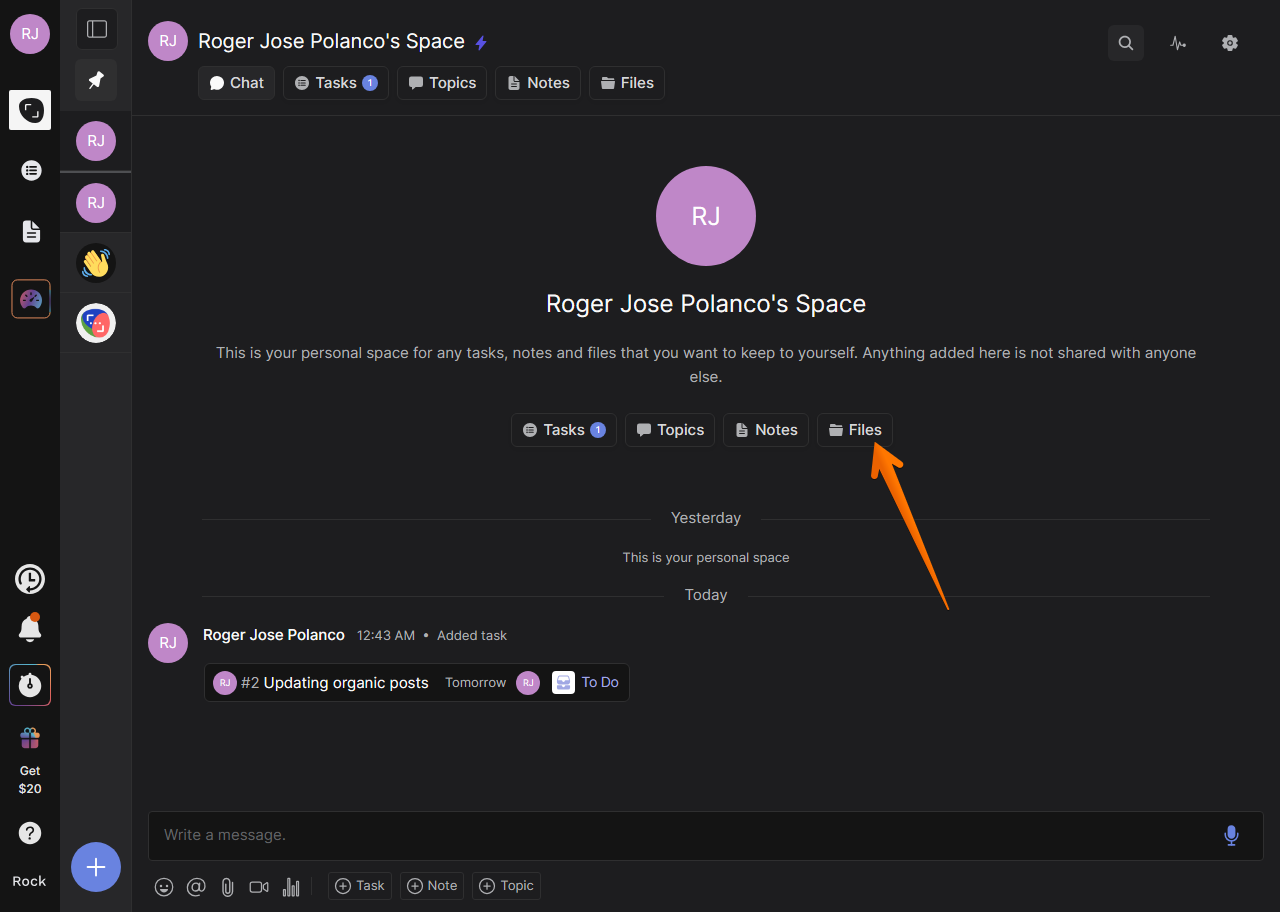
One of the most attractive features of the Rock app is the ability to manage files. For this purpose, it integrates its own mini app. However, one way to maximize its capacity is through the integration of third-party apps. Therefore, let's see how to integrate it with Google Drive, Google's cloud storage service. The first thing we have to do is to go to the dashboard of our Rock app. Once there, just click on the Files section.
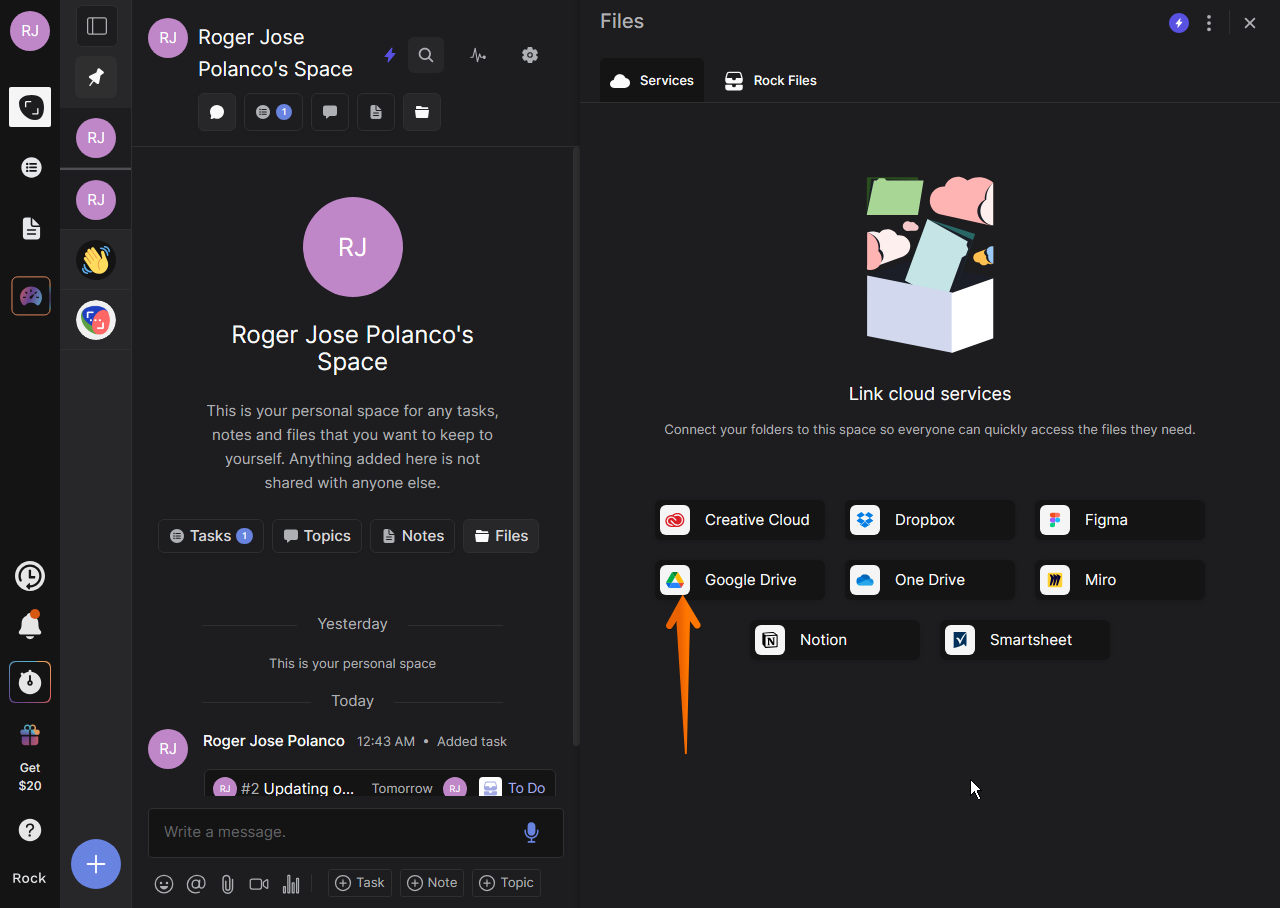
A list of all the apps available to be added is displayed. Obviously, we will click on the icon corresponding to Google Drive.
As a result, a floating window appears where you must select the Gmail account you want to add.
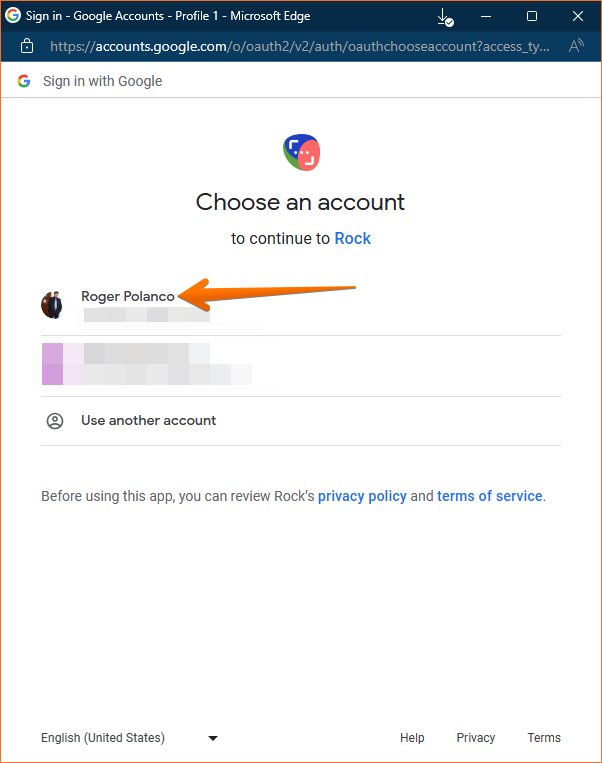
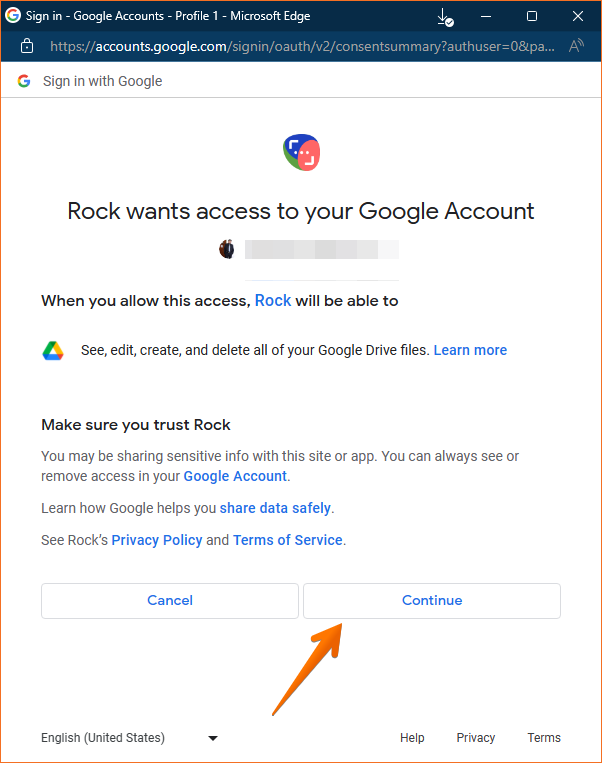
Then, you only have to authorize the corresponding permissions so that the app can access your account. Don't worry, we are talking about a perfectly safe and reliable tool. When you're ready, just click Continue
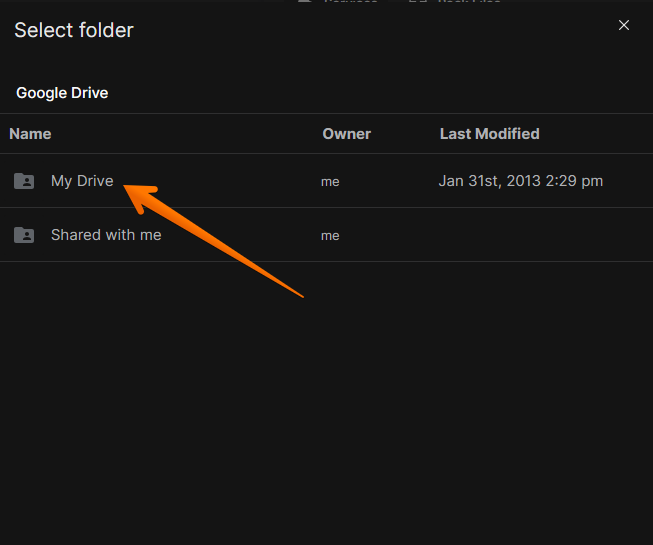
Next, you have to select the drive you are going to share.
Now it is time to link the folder to your Rock credentials.
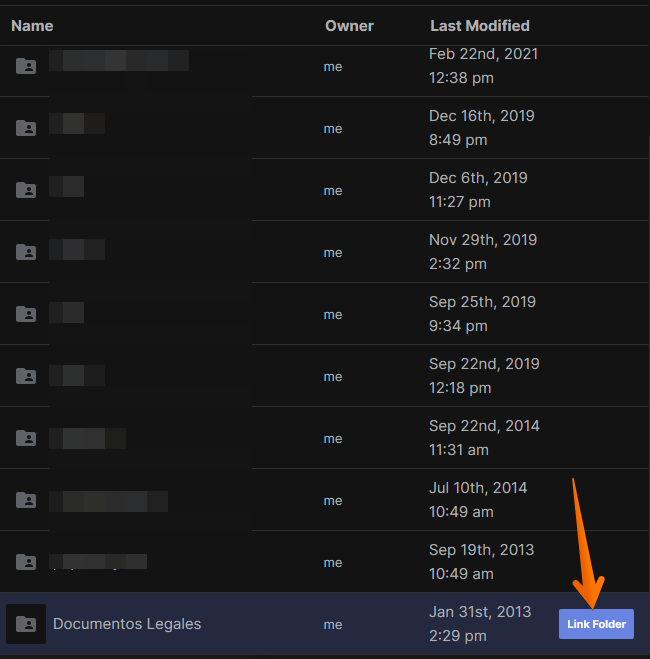
You will then see your folder correctly added to the mini file app.
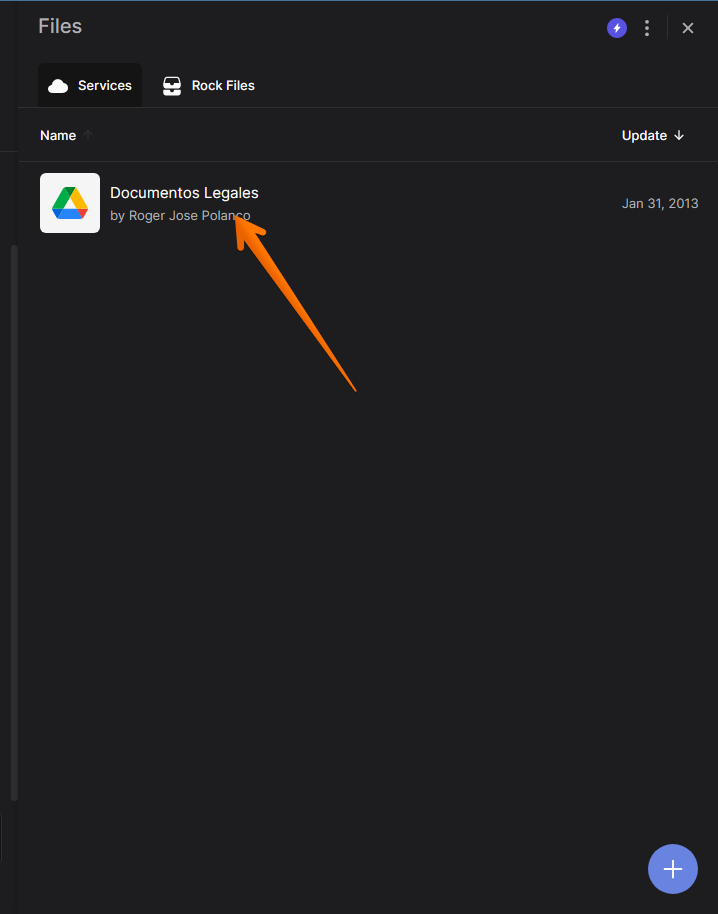
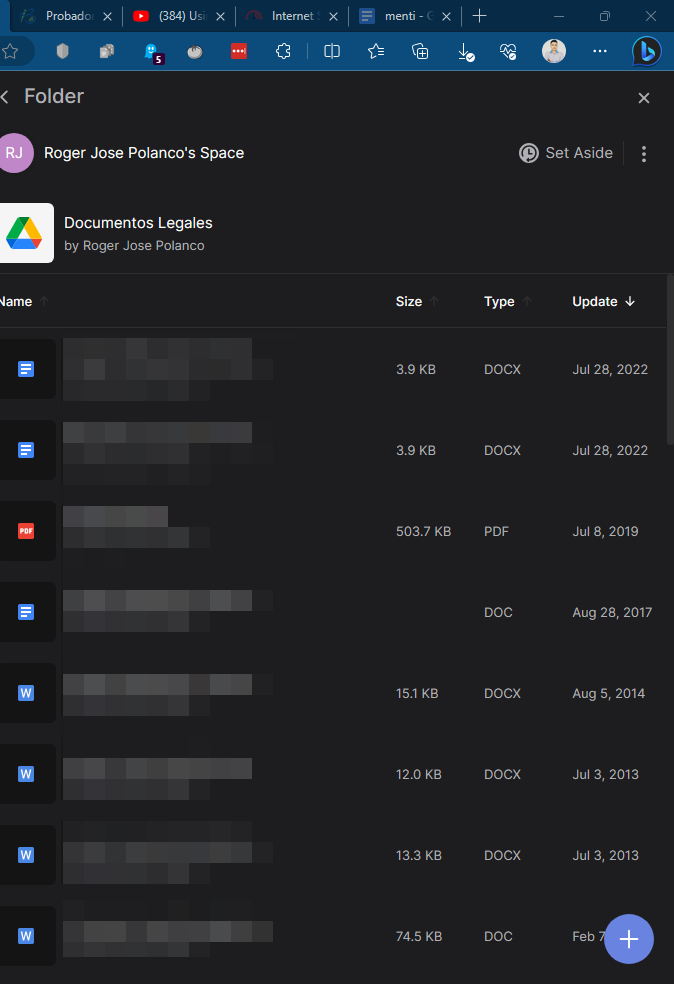
How to create files in Google Drive from Rock mini file app.
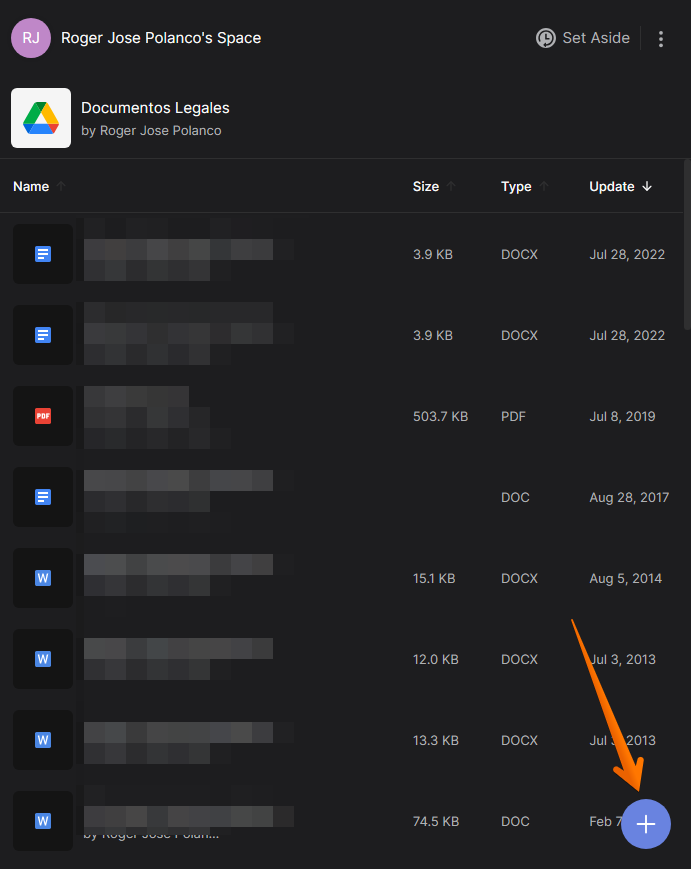
A great thing we will be able to do is to manage Google Drive files from Rock. So the first thing you have to do is click on the + symbol.
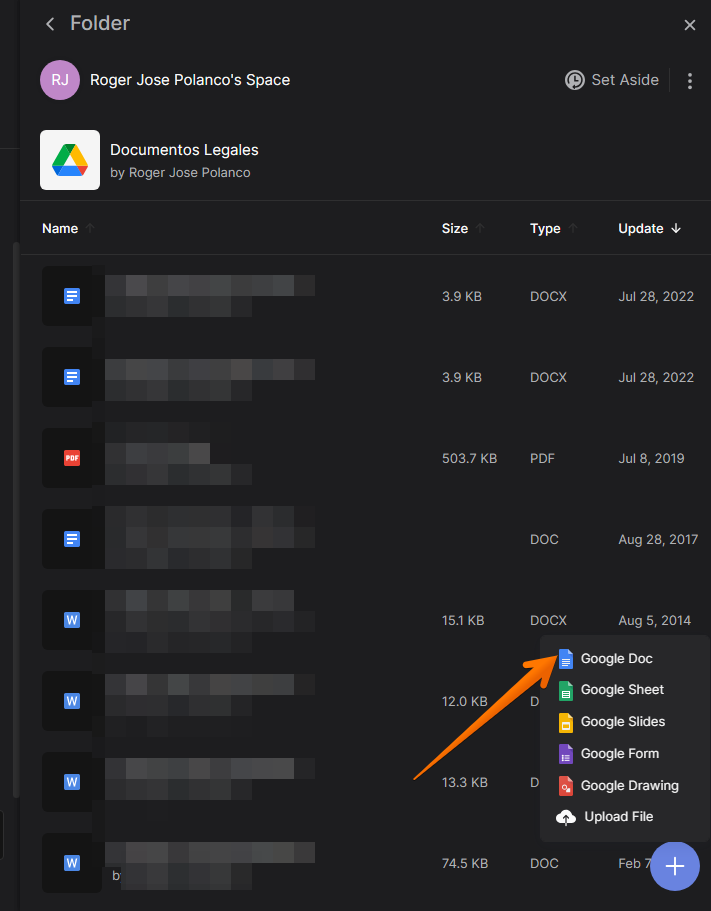
As a result, the Google office apps are displayed. You can select the ones you want, but for this example, we will click on Google Docs.
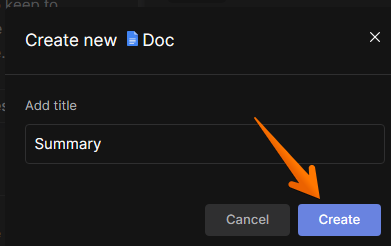
Then just add the name to the document.
Once created, you can view the new document in your drive folder.
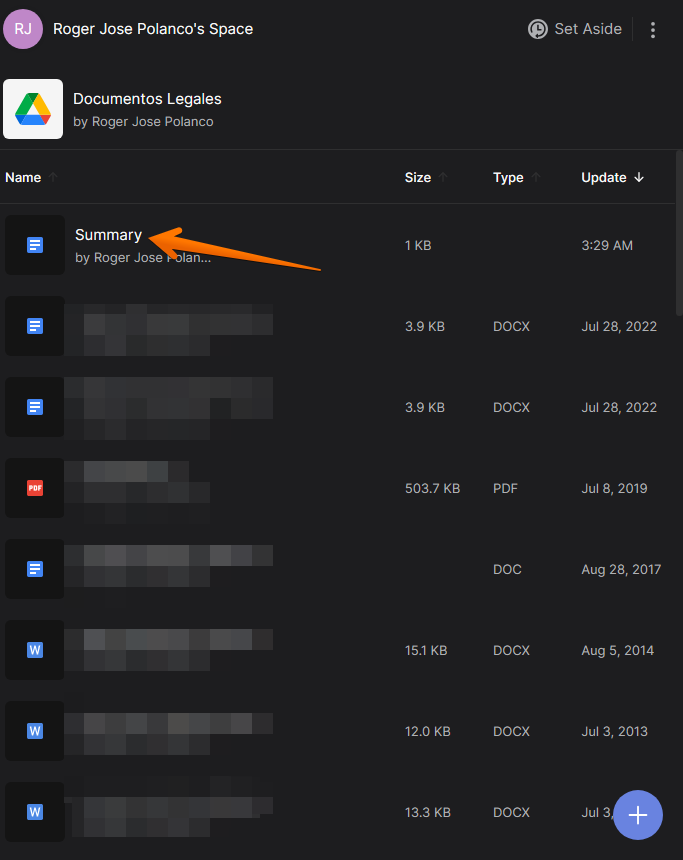
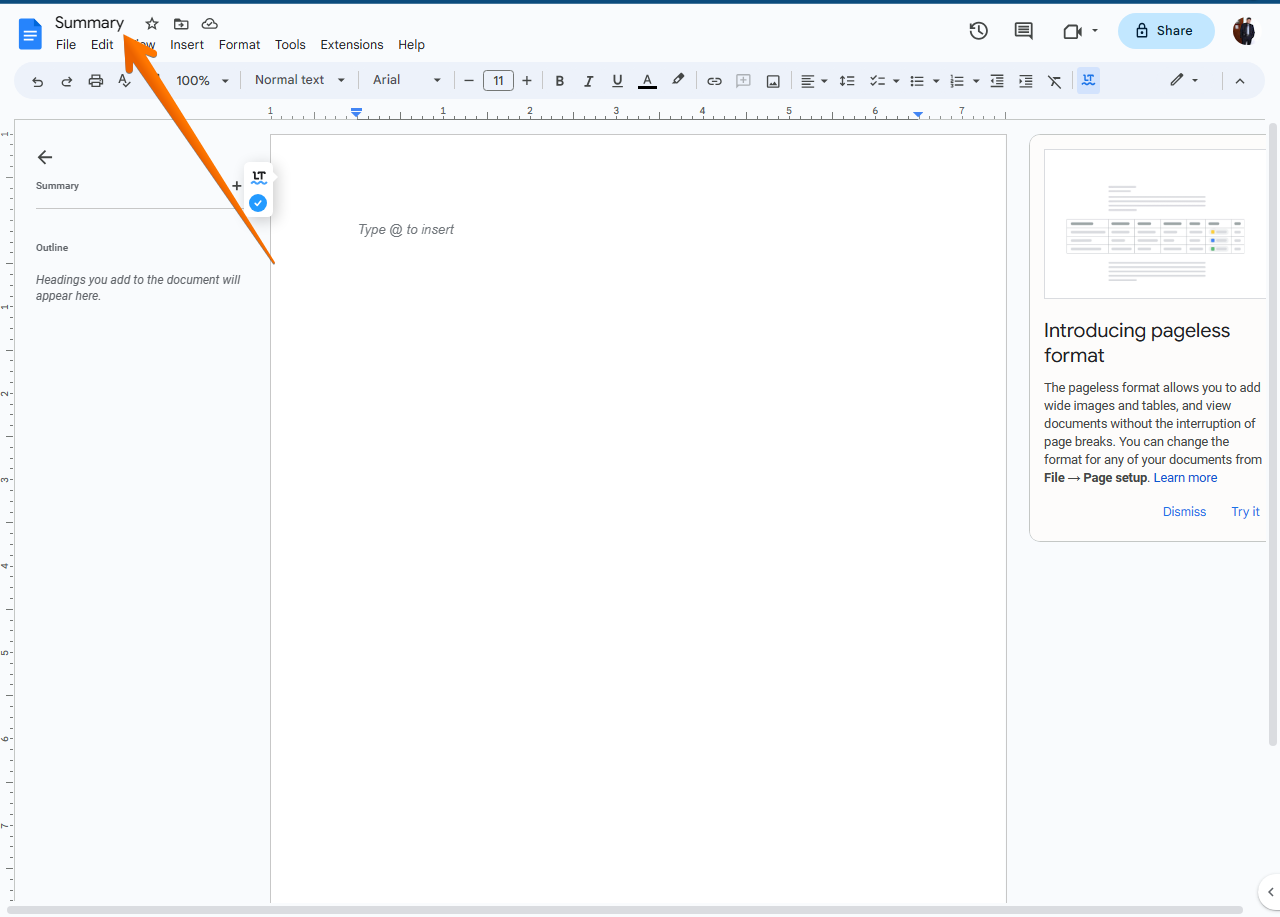
If you click on it, a new window with the Google Docs editor will pop up.